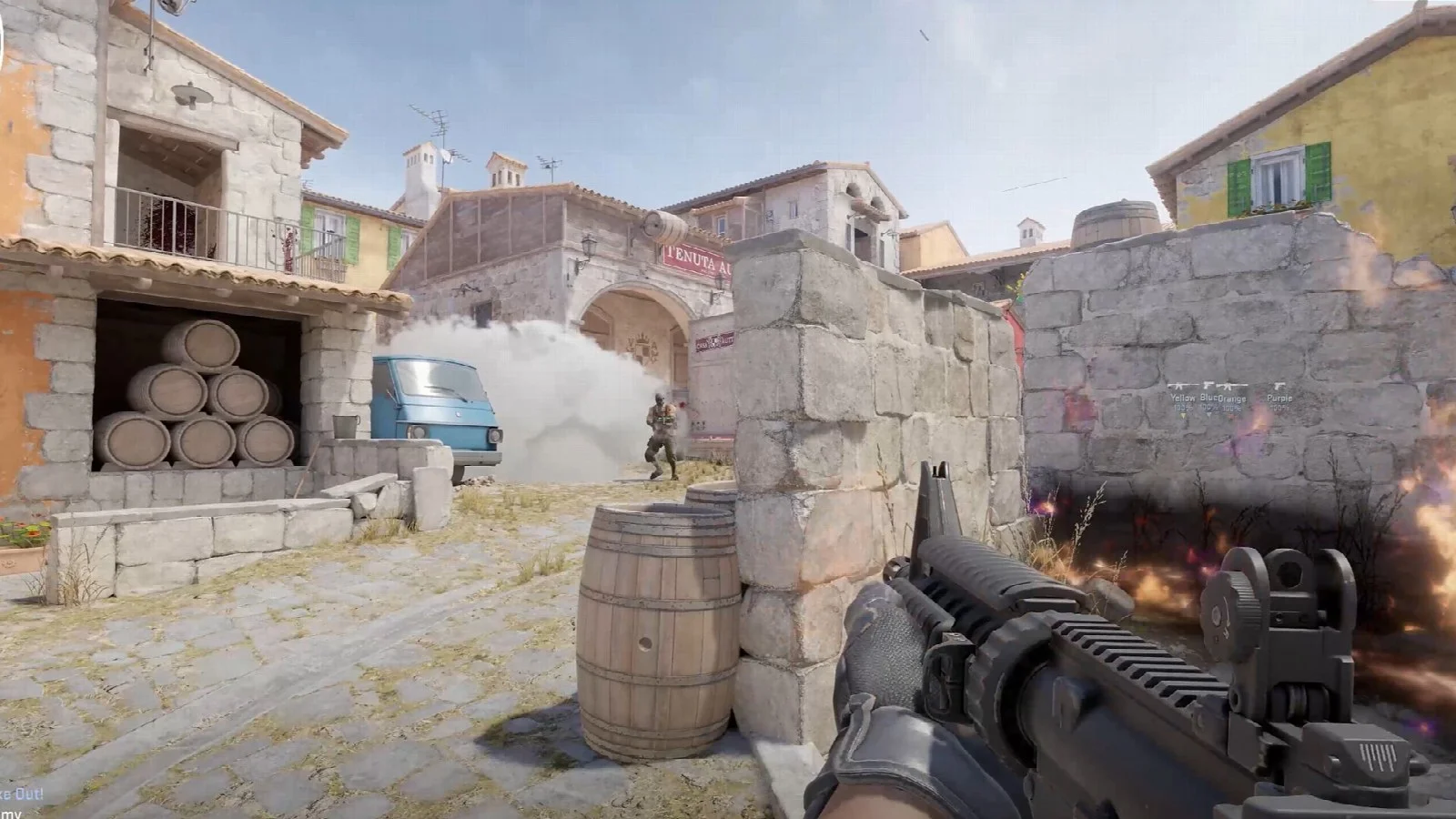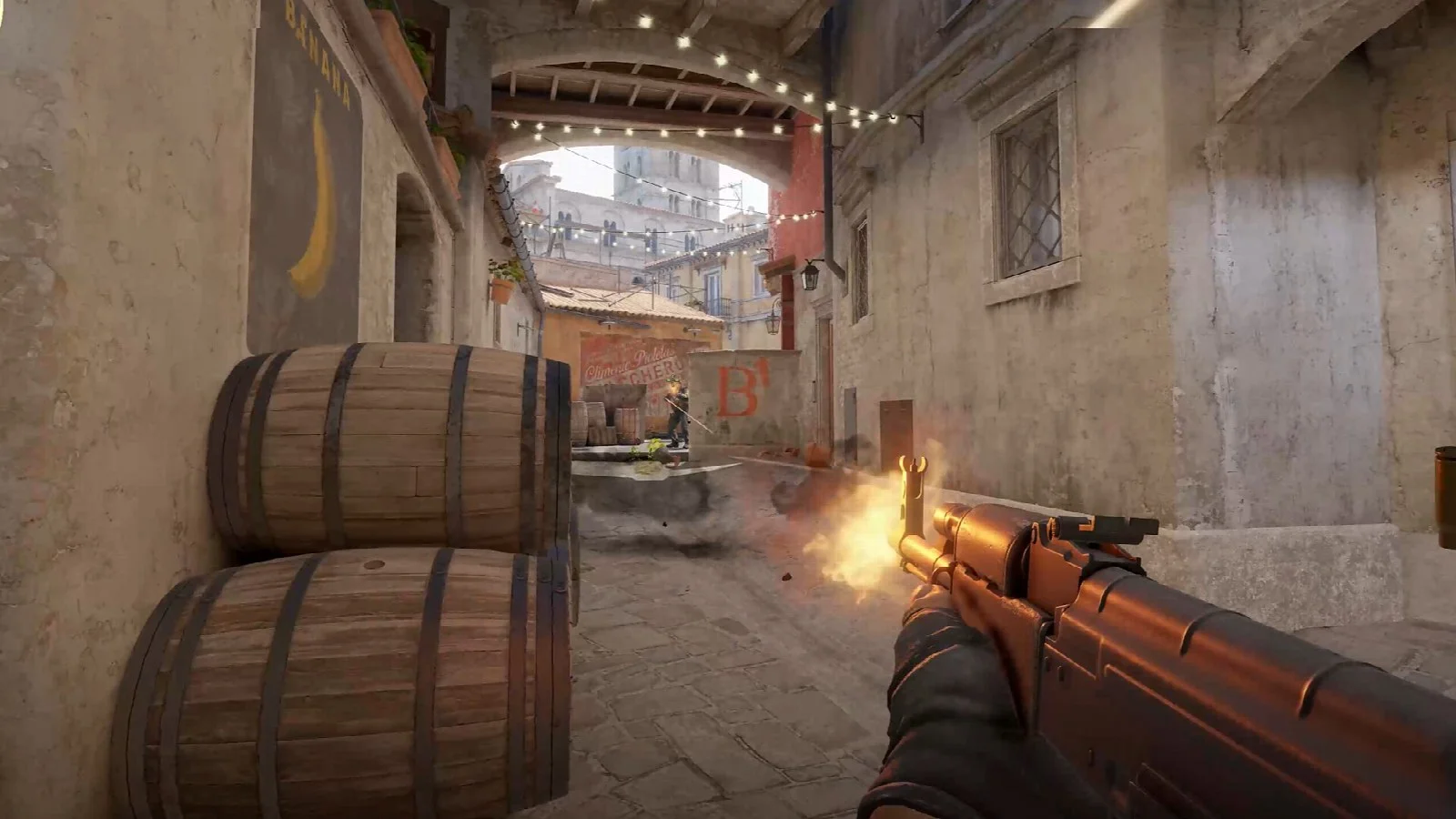
Counter-Strike 2 has thousands of skins, and dozens of different copies of every one. A first-time buyer will not easily work out why the same weapon sells at five separate prices. We have lined up the eight points to look at before you decide.
1. Look at the wear tier and the float value
The Factory New, Minimal Wear or Field-Tested in a skin's name shows its wear tier. The float value sets its exact place inside the tier. Even within one tier a lower float looks cleaner. We covered the details in our guide to float.
2. Trust the picture, not the name
On some skins the wear is almost invisible, on others it wipes out much of the pattern. Look at the listing's picture before you make up your mind about the price gap between two tiers. If the look is enough for you, there is no need to pay for the dearer tier.
3. Tell StatTrak and Souvenir versions apart
StatTrak™ versions count the kills you get with that weapon and usually cost more than the normal version. Souvenir skins come out of tournament souvenir packages. Both are written at the start of the name. If that is the version you are after, the filter lets you list only those.
4. Weigh up the extra you pay for a sticker
A skin with a rare sticker on it sells for more. But an applied sticker cannot be moved to another skin, and it is destroyed when removed. That is why the extra you pay for a sticker should be lower than what the sticker is worth on its own. If stickers mean nothing to you, picking a copy without them is the cheaper choice.
5. Compare with the Steam price
Every card shows how its price differs from the Steam Community Market. Prices there are higher most of the time, because the balance in a Steam wallet cannot be taken out of Steam. Even so, this comparison is the quickest way to tell whether a listing really is good value.
6. Take a look at the other listings of the same skin
The price you see on a card is that skin's cheapest listing. Open the skin's page and you see every listing one under the other, with its float and stickers. Sometimes a copy with a clearly lower float turns up for a few lira more.
7. Check the delivery type
On instant delivery listings the trade offer arrives automatically a few minutes after payment. On member listings the selling member sends the skin, and your payment waits on the platform until you confirm delivery. Whichever it is, never pay outside the site.
8. Get your account ready to trade
Before you order a skin, save your Steam Trade URL in your profile and make sure the Steam Guard Mobile Authenticator is active. Newly bought skins can fall under Steam's trade protection. The skin is yours, but it may not be tradable again for a while. Factor that in if you plan to pass it on to someone else straight away.
The order to follow when buying a skin
Start by setting your budget. Then choose the cheapest wear tier whose look is enough for you and compare the listings of the same skin. When the offer arrives, read what it contains before you confirm it. If you are ready, you can begin on the CS2 Skin Market page.