

-
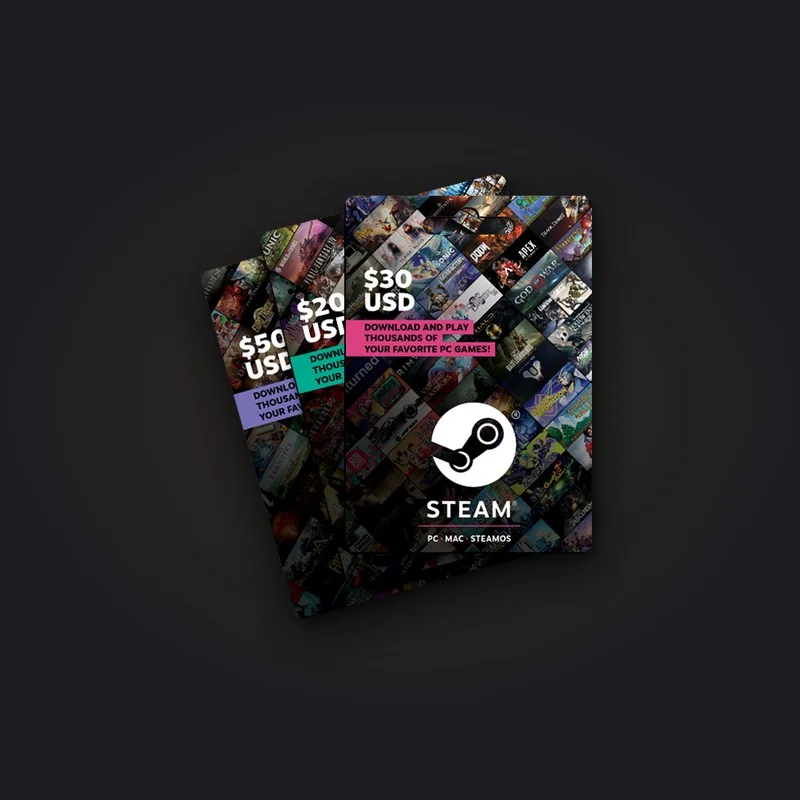
Steam 5 USD Wallet Code
Works on Steam accounts with a US dollar (USD) wallet.
6% off TRY 280.81 TRY 265.00 -
Steam 20 USD Wallet Code
Works on Steam accounts with a US dollar (USD) wallet.
6% off TRY 1,123.22 TRY 1,056.00 -
Steam 50 USD Wallet Code
Works on Steam accounts with a US dollar (USD) wallet.
6% off TRY 2,808.05 TRY 2,650.00 -
Steam 100 USD Wallet Code
Works on Steam accounts with a US dollar (USD) wallet.
6% off TRY 5,616.10 TRY 5,300.00
Pick your pack
Choose the pack you need. The price and any bonus are shown at the right of the row.
Add to cart
You can buy several packs in one order and the codes arrive separately.
Pay
Pay by card, bank transfer or your balance. 3D Secure is required.
Redeem your code
The code appears on your order page right after payment is approved. Log in and redeem it.
What is a Steam Wallet Code?
A Steam Wallet Code is a prepaid code that adds balance to your Steam account. With the balance you load, you buy games, DLCs and software from the Steam store, buy and sell items on the Steam Community Market and pay for in-game purchases. If you do not want to save your credit card on the account, or you are going to gift a game to a friend, this is the easiest way.
Why are Steam prices in Türkiye in dollars?
Steam has used dollar pricing in Türkiye since the end of 2023. You see prices in dollars in the store, and your wallet balance is held in dollars as well. That is why the Steam codes we sell carry a dollar value. However many dollars the code is worth, that many dollars are added to your wallet. What you pay in Turkish lira is the current price you see on the page.
How do I redeem a Steam Wallet Code?
- Finish the payment. The code shows on your order page without any wait and comes to your email too.
- Log in to your account in the Steam client or in a browser and open the "Redeem a Steam Wallet Code" page.
- Enter the code and continue. The balance is added to your wallet instantly.
Where do the Steam codes come from?
We buy Steam codes from the official supply channel and sell them ourselves, and delivery is automatic too. You can move on to other platforms' cards from the gift cards page. The steps of a purchase are on the How to Buy page.
Frequently Asked Questions
When does my Steam Wallet Code arrive?
It arrives the moment payment is approved. It shows on your order page and is sent to your email as well.
Why are Steam codes in dollars?
Because Steam switched to dollar pricing in Türkiye, and wallet balances are held in dollars too. That is why the codes we sell have a dollar value.
What can I buy with Steam balance?
You buy the games, DLCs and software in the Steam store. You can buy and sell items on the Community Market, and also pay for in-game purchases made through Steam with this balance.
Can Steam balance be moved to another account?
No. The balance belongs to the account the code was used on and cannot be transferred. If you are giving the code as a gift, send it before redeeming.
What if the code does not work?
Report it from the order page before you use the code. We examine a code that does not work and has not been used. If the problem is ours, we send a replacement or pay the price back.
Do I need to give my password to redeem the code?
No. You redeem the code yourself, from your own Steam account. Give no information to anyone who asks for your Steam password.











